FocusPro
A productivity and time-management web app for students, freelancers and professionals.
- Tasks, Pomodoro sessions, site blocking and analytics in one app
Overview
FocusPro is a web-based productivity and time-management application. I built it as my Final Year Project using Laravel, MySQL and Firebase, with a Chrome extension that blocks distracting sites during focus sessions.
- Students, freelancers and professionals
- 60+ survey responses
- User and admin
Problem
Staying productive takes more than a to-do list. People need to plan and prioritize their work, protect time for focused effort, keep distracting websites out of the way, and understand where their time actually goes.
I gathered requirements through a user survey with more than 60 responses and kept the design user-centered throughout.
Solution
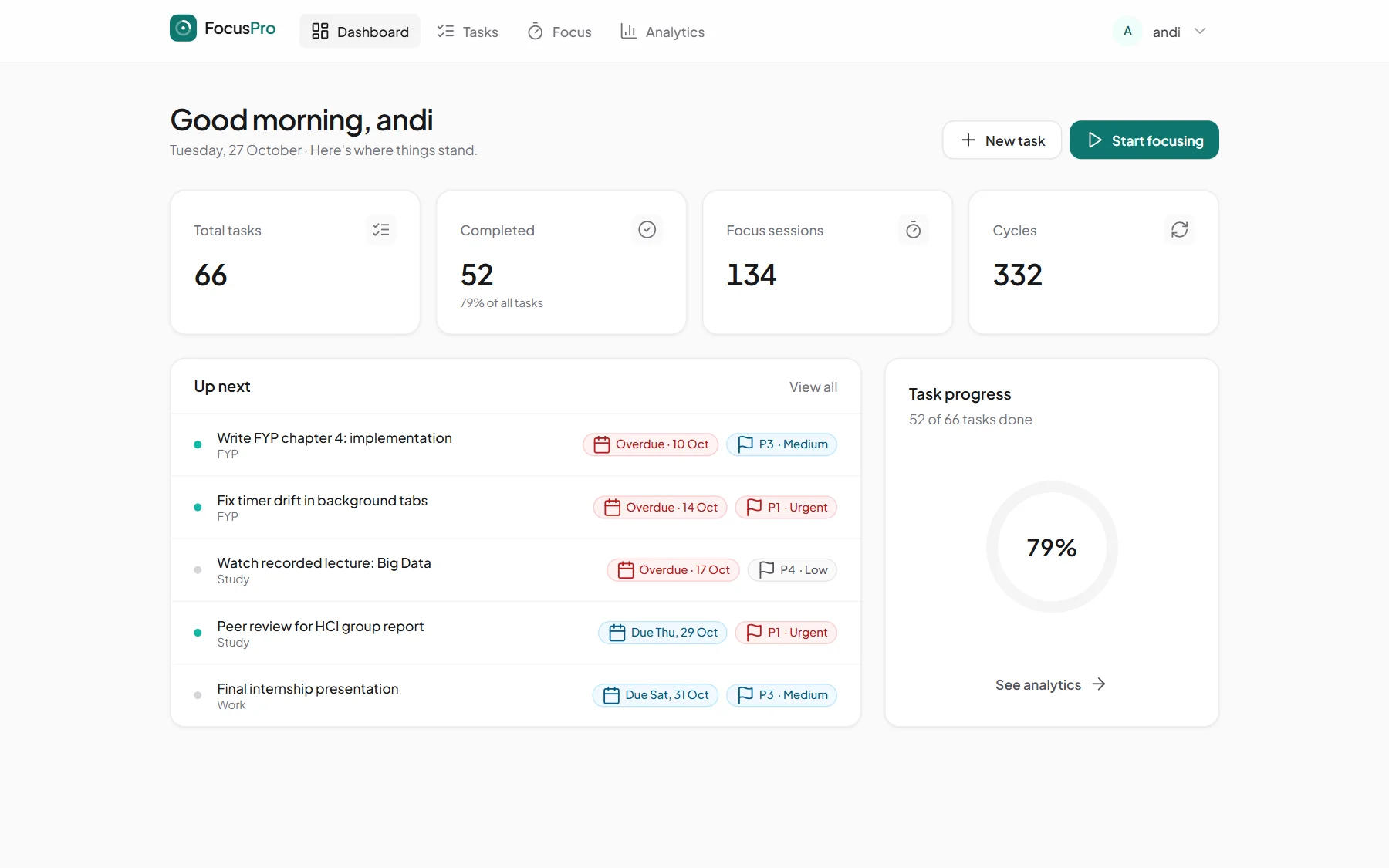
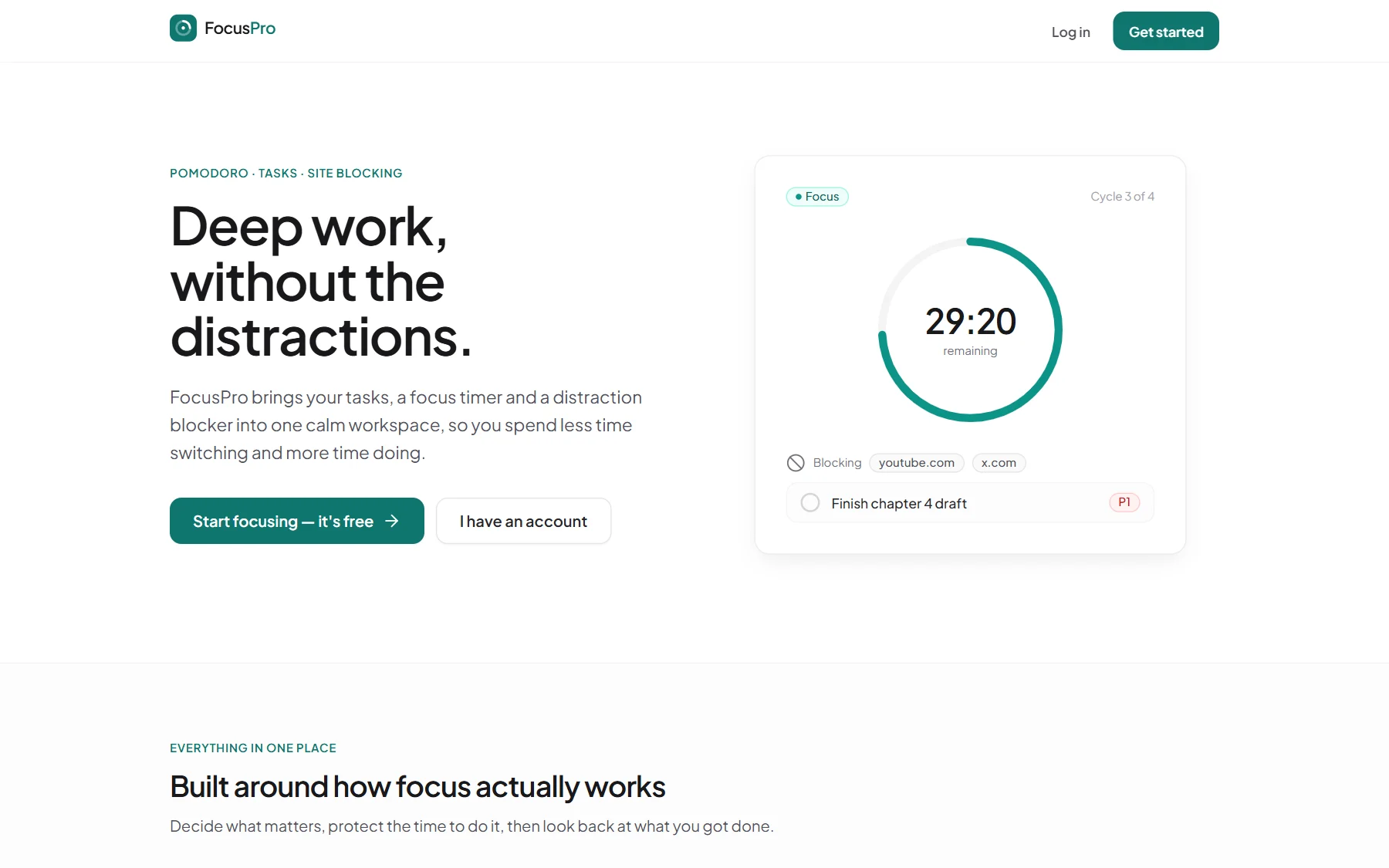
FocusPro brings these into one application: task management, Pomodoro focus sessions, website distraction blocking and a productivity analytics dashboard, with separate interfaces for users and administrators.
Features
- Task management
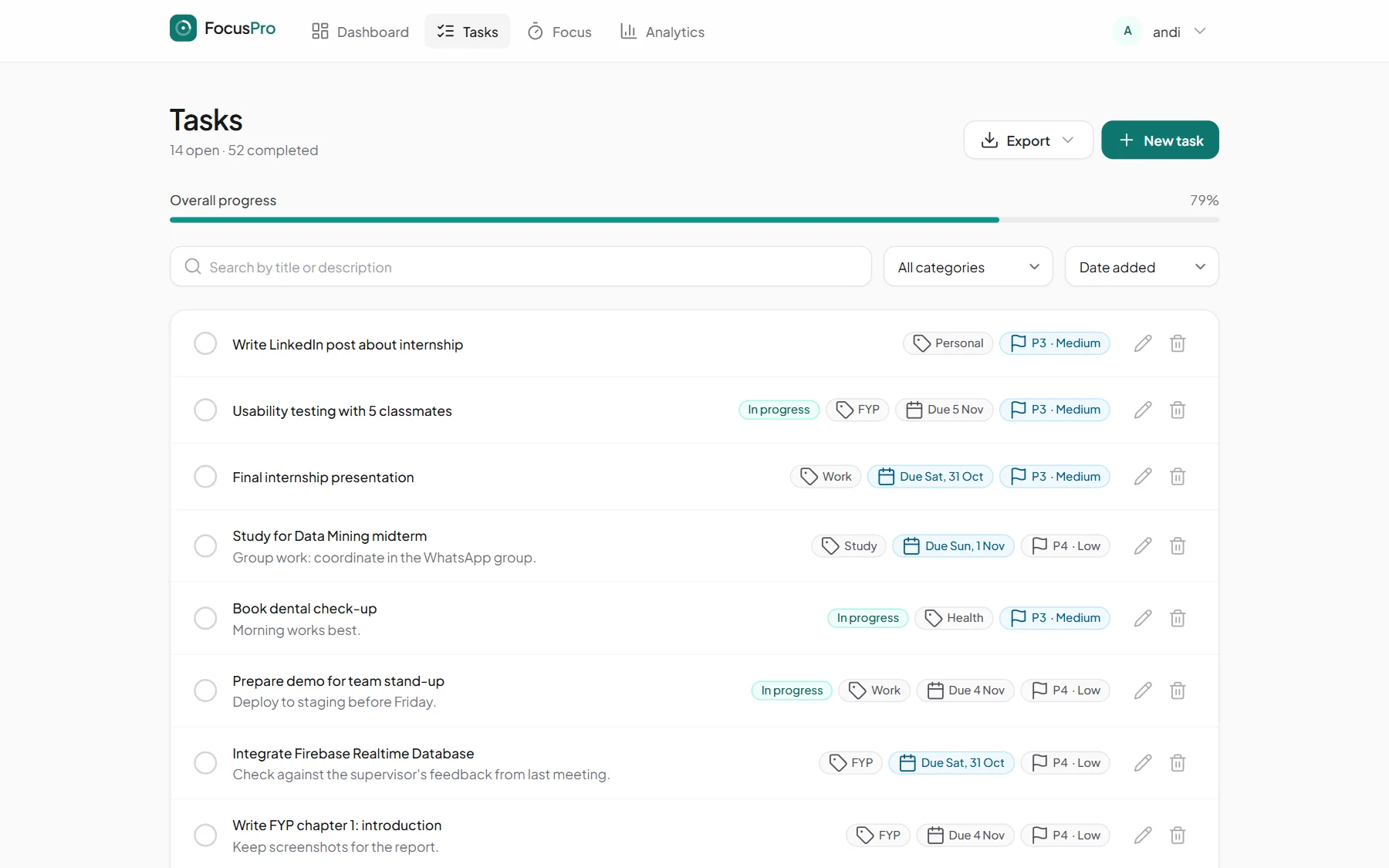
- Create, edit and complete tasks with priorities, categories and due dates; search, filter, sort and export them to PDF.
- Pomodoro focus sessions
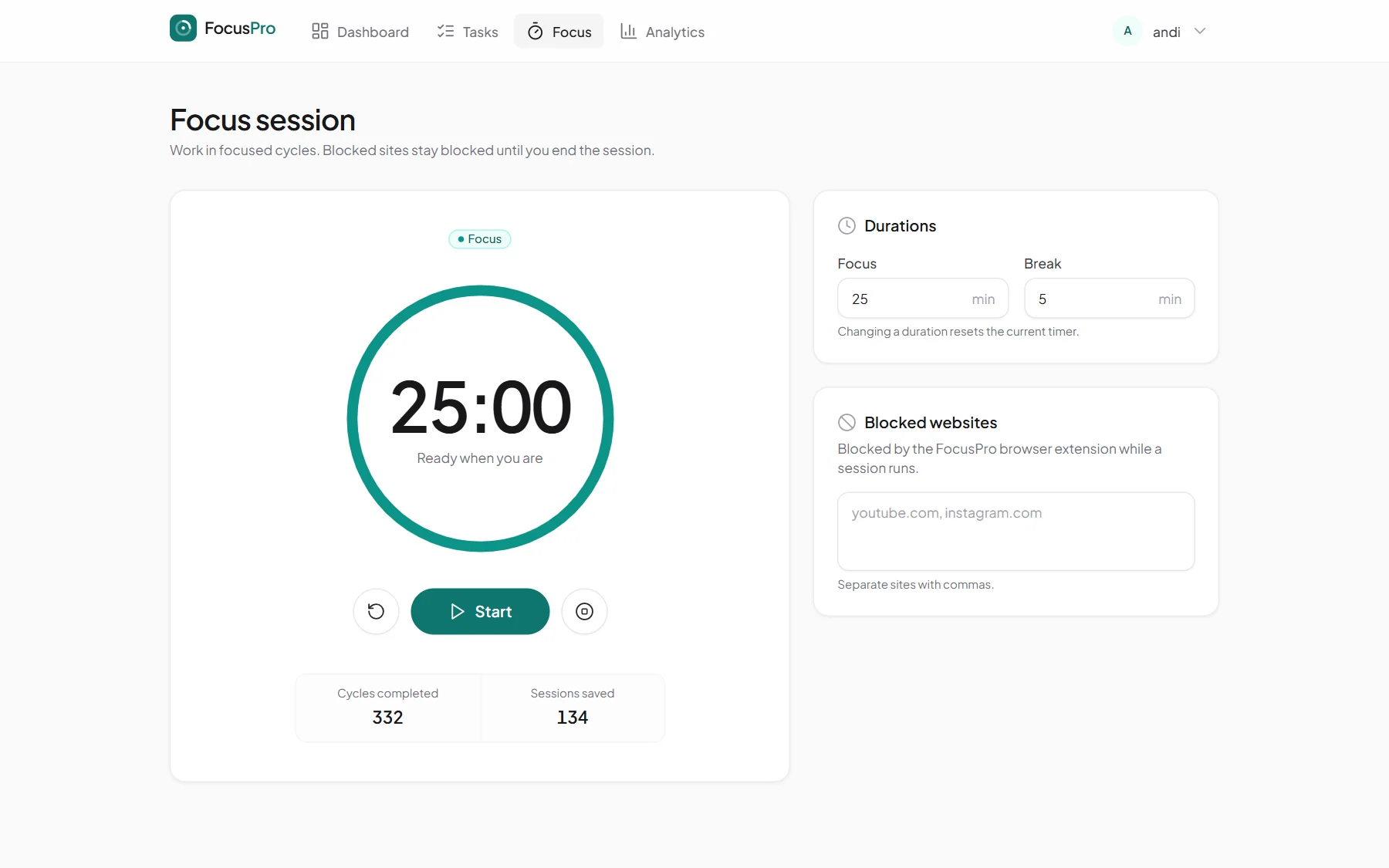
- Adjustable focus and break lengths, with completed cycles saved to your history.
- Distraction blocking
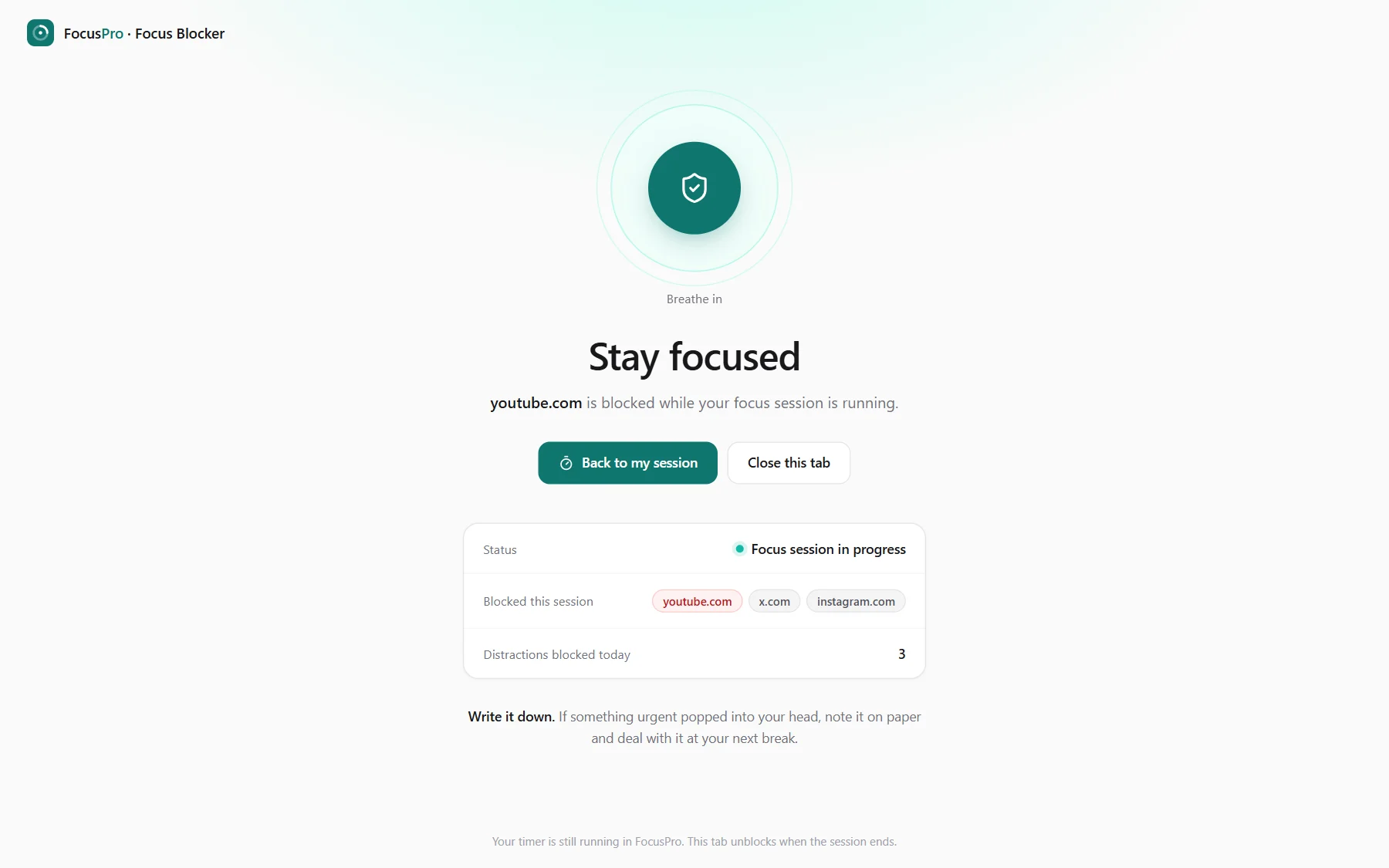
- A Chrome extension blocks the sites you list while a focus session runs.
- Productivity analytics
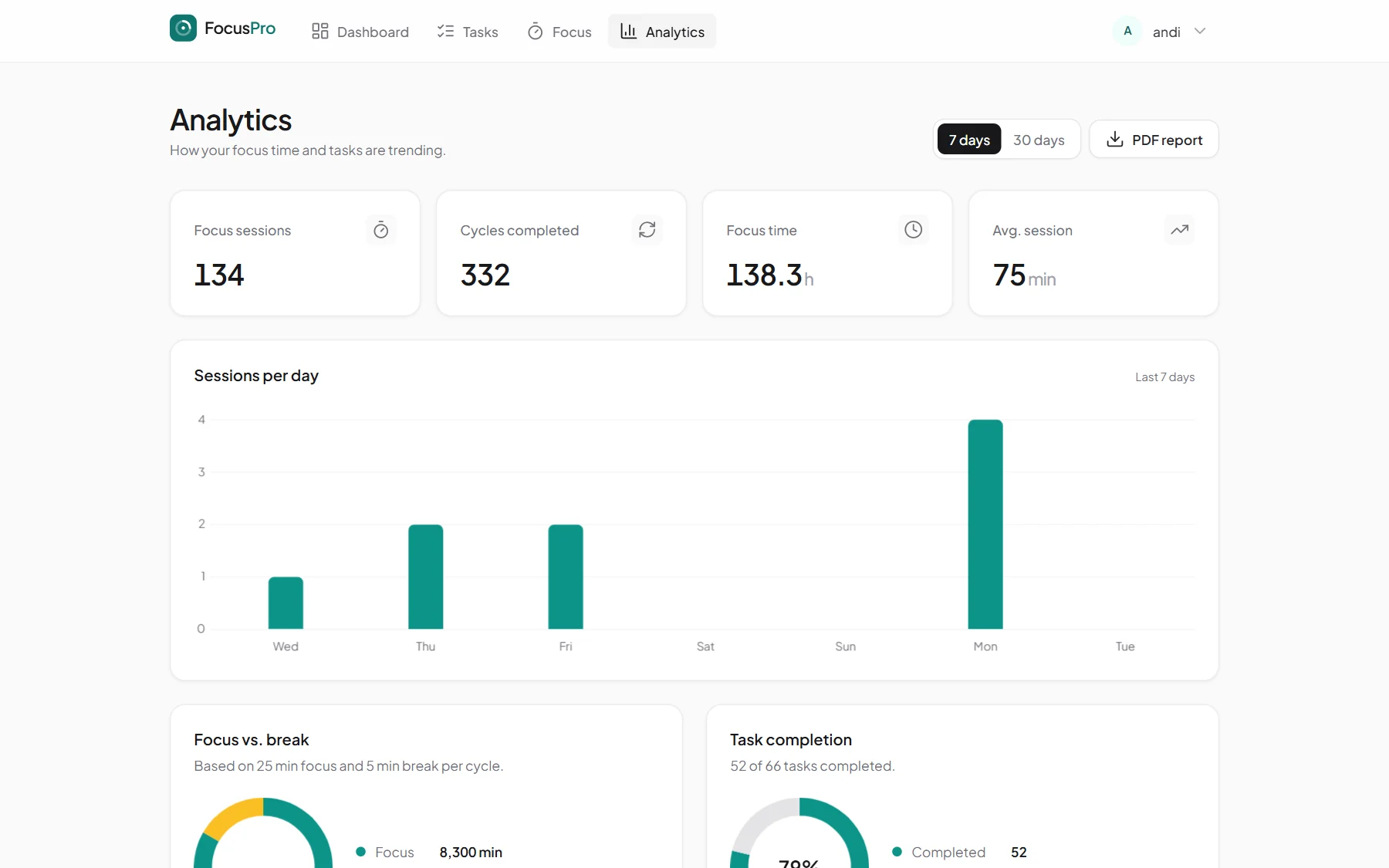
- Charts for sessions per day, focus vs. break time and task completion, over 7 or 30 days, plus a PDF report.
- User accounts
- Sign-up, login, password reset and profile settings.
- Admin panel
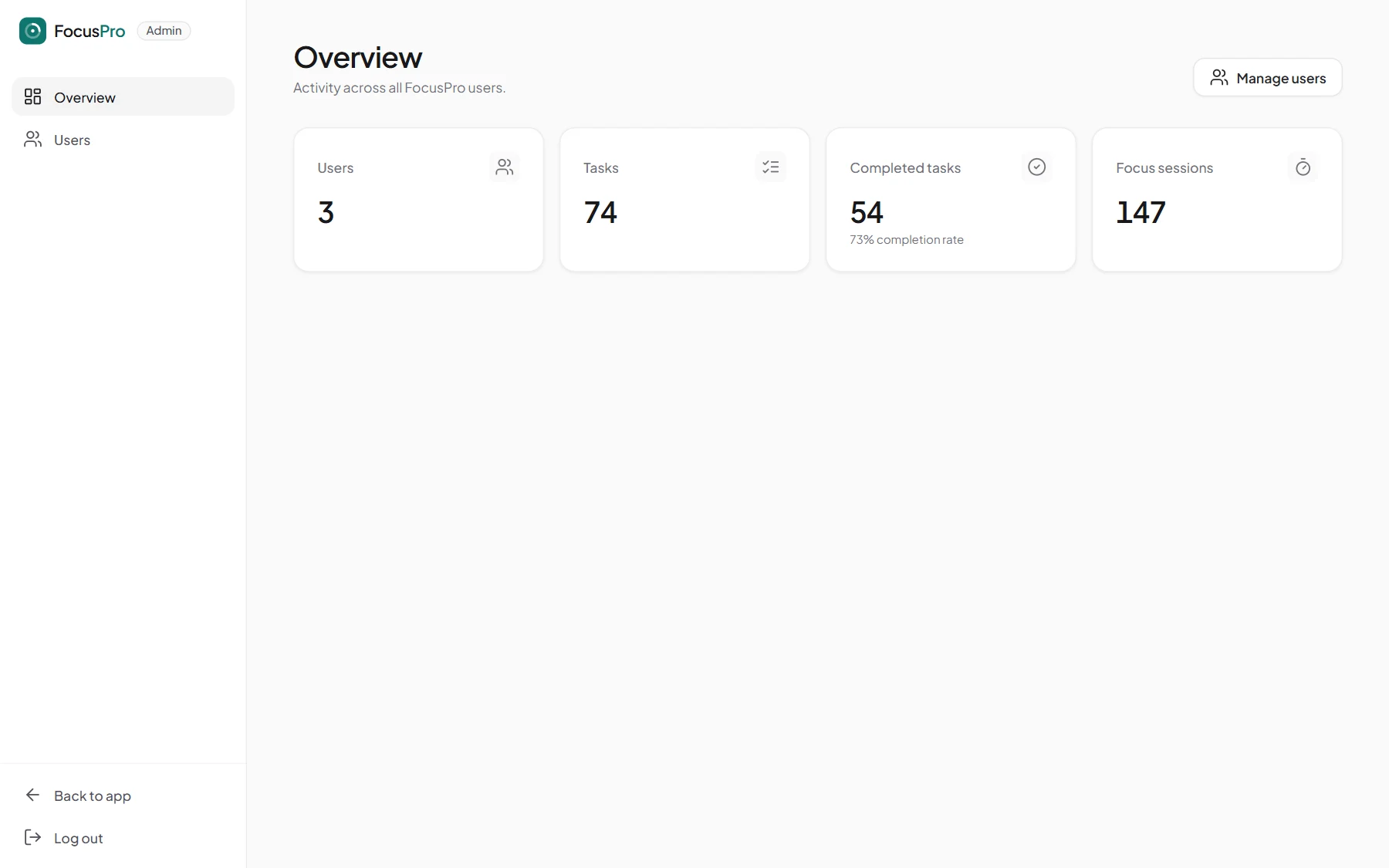
- Platform-wide totals and user management: change roles and remove accounts.
Technology
Laravel
Routing, authentication with user and admin roles, task and session logic, and PDF reports.
MySQL
Stores users, tasks (status, priority, category, due date) and focus sessions.
Firebase
Realtime Database holding each user’s focus status and blocked sites for the extension.
Implementation and architecture
The web app is a Laravel monolith with Blade, Tailwind CSS and Alpine.js on the front end and MySQL behind it. Analytics charts use Chart.js, and PDF reports are generated with dompdf. Site blocking needed a browser extension, so the app and the extension talk through Firebase.
Start a session
The Focus page writes the user’s focus status and blocked sites to Firebase Realtime Database.
Extension picks it up
The Manifest V3 extension reads that status, instantly via a message from the open FocusPro tab, or on a 30-second check.
Sites are blocked
It sets declarativeNetRequest rules that redirect blocked sites to a “blocked” page.
End the session
Completed cycles and duration are saved to MySQL, and the focus flag is cleared so blocking stops.
Challenges
- Blocking within browser limits
- A website can’t block other sites, so blocking lives in a Chrome extension. Manifest V3 stops background workers at any time, so it uses declarativeNetRequest rules, which Chrome keeps enforcing while the worker sleeps.
- Time-tracking accuracy
- Only completed cycles count: a session is saved only after at least one full focus-and-break cycle, and the server validates the numbers before storing them.
- Intuitive UX
- Designing an interface that feels intuitive to use.
Lessons learned
- How to build an intuitive, responsive UI/UX.
- Distraction blocking needs a real-time link between the app and the browser extension. MySQL doesn’t provide that on its own, so I used Firebase Realtime Database.
- A better understanding of the MVC pattern through Laravel.
Screenshots